
Task
Your client has asked for a simple program that takes in a student’s exam marks as a percentage.
- The program should output the student’s grade depending on the mark.
- Make sure that the user’s input is within the range.
|
Mark |
Grade |
|
> 95 |
A+ |
|
> 90 |
A |
|
> 80 |
B |
|
> 70 |
C |
|
>= 60 |
D |
|
< 60 |
F |
Solution
Enter your mark:

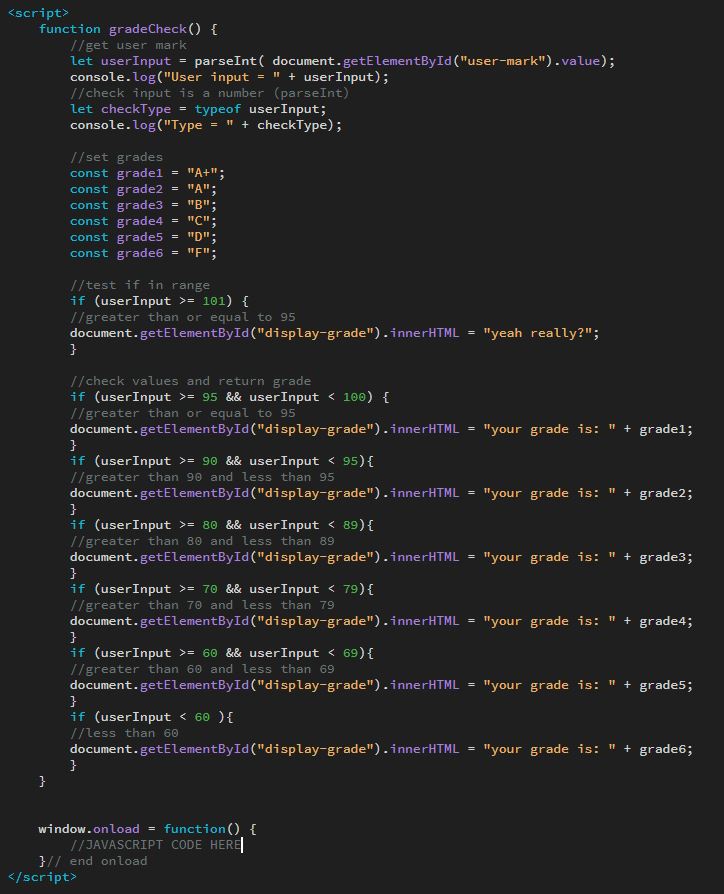
Code
| function gradeCheck() { | |
| //get user mark | |
| let userInput = parseInt( document.getElementById(“user-mark”).value); | |
| console.log(“User input = ” + userInput); | |
| //check input is a number (parseInt) | |
| let checkType = typeof userInput; | |
| console.log(“Type = ” + checkType); | |
| //set grades | |
| const grade1 = “A+”; | |
| const grade2 = “A”; | |
| const grade3 = “B”; | |
| const grade4 = “C”; | |
| const grade5 = “D”; | |
| const grade6 = “F”; | |
| //test if in range | |
| if (userInput > 101) { | |
| //greater than or equal to 95 | |
| document.getElementById(“display-grade”).innerHTML = “yeah really?”; | |
| } | |
| //check values and return grade | |
| if (userInput >= 95 && userInput < 100) { | |
| //greater than or equal to 95 | |
| document.getElementById(“display-grade”).innerHTML = “your grade is: ” + grade1; | |
| } | |
| if (userInput >= 90 && userInput < 95){ | |
| //greater than 90 and less than 95 | |
| document.getElementById(“display-grade”).innerHTML = “your grade is: ” + grade2; | |
| } | |
| if (userInput >= 80 && userInput < 89){ | |
| //greater than 80 and less than 89 | |
| document.getElementById(“display-grade”).innerHTML = “your grade is: ” + grade3; | |
| } | |
| if (userInput >= 70 && userInput < 79){ | |
| //greater than 70 and less than 79 | |
| document.getElementById(“display-grade”).innerHTML = “your grade is: ” + grade4; | |
| } | |
| if (userInput >= 60 && userInput < 69){ | |
| //greater than 60 and less than 69 | |
| document.getElementById(“display-grade”).innerHTML = “your grade is: ” + grade5; | |
| } | |
| if (userInput < 60 ){ | |
| //less than 60 | |
| document.getElementById(“display-grade”).innerHTML = “your grade is: ” + grade6; | |
| } | |
| } |